That Drone Show Daily: Mind4, World’s First Android Based Smart Drone
Mind4, World’s First Android Based Smart Drone is a kickstarter project and normally I’m not into drones on kickstarter, but this one I really like and I think you will see why.
The exciting moments of mountain climbers, snowboarders, weekend warriors, and many more deserve to be captured by aerial photography. Most of drones on the market require comprehensive skills in piloting and filming, which is very hard to master for most people. Some products intended to use GPS technology to achieve auto following, but due to GPS inherent errors, it may not work as expected.
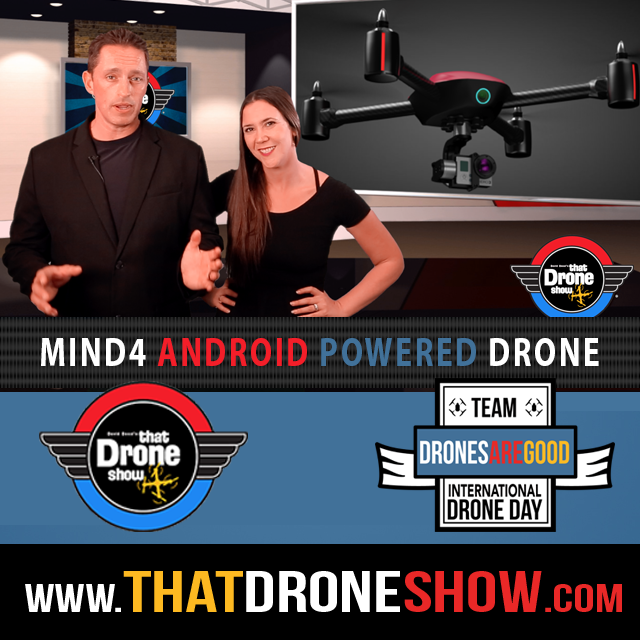
With many years of experience in mobile computing, camera sensor, and image processing, we are able to create an easy-to-use, intelligent drone that everybody can operate easily. We do not want the remote controller to bother you when you are in action, we want to totally free your hands, and let you focus on your fun and enjoy the moments.
When we are developing our ideas and building the prototype, we realize that our work will have great potential to influence the drone technology and open up a new chapter in aerial filming. The computer vision technology and android platform adopted in our design will change the way how people operate the drone and take aerial shots.

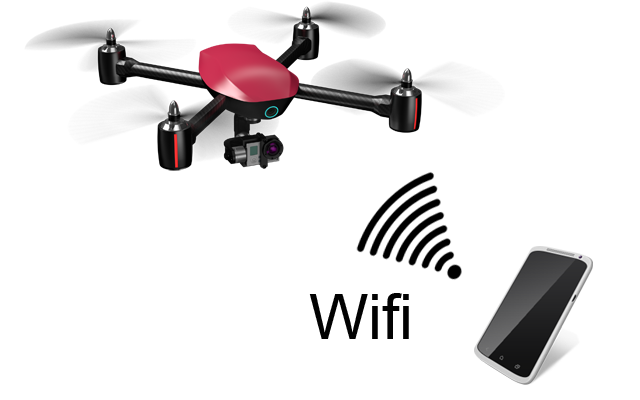
Mind4 is surprisingly easy to operate. You can control it by using a Mind4 app on your smart phone by simply connecting your smartphone to Mind4 through wifi.
1. Take off and hover
Open app, just tap a button and Mind4 will automatically take off and hover. You will see live FPV (First Person View) video on your smartphone screen.
2. Find the subject of Interest
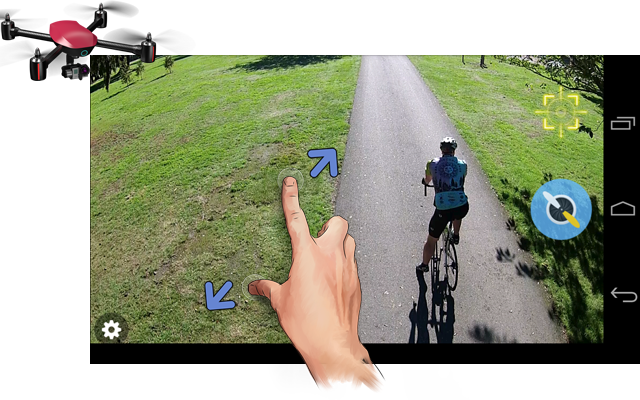
Use pinch or pan gesture on touch screen to adjust Mind4’s position until you or the subject of interest is in the frame of view.
3. Lock subject to follow
- Press “Autolock” button, Mind4 can automatically identify you in view to follow.
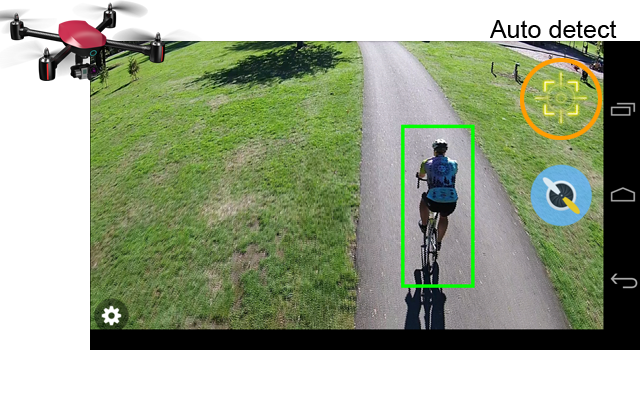
- Or manually frame the subject in view by using pan gesture to drag out a frame around the object, such as a person, your pet or wild animal.
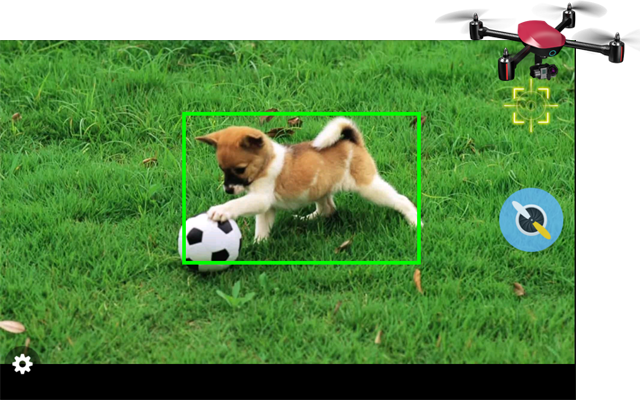
4. Start to follow and film
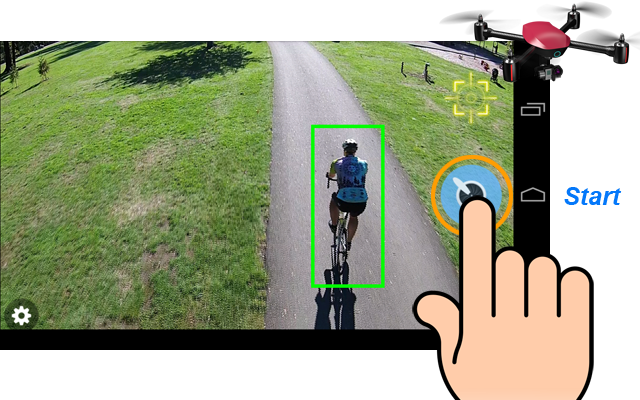
Press “start” button, Mind4 will start to follow you or any object identified while keeping the best angle and distance automatically. Your hands are totally free from now on, Mind4 will do the aerial shots and record every movement you desire.

What’s more exciting, you can combine Mind4’s auto-follow feature with body gesture. You are the remote controller, Mind4 can fully understand and follow your specific command.
- Waving your right hand will tell the drone to come closer.
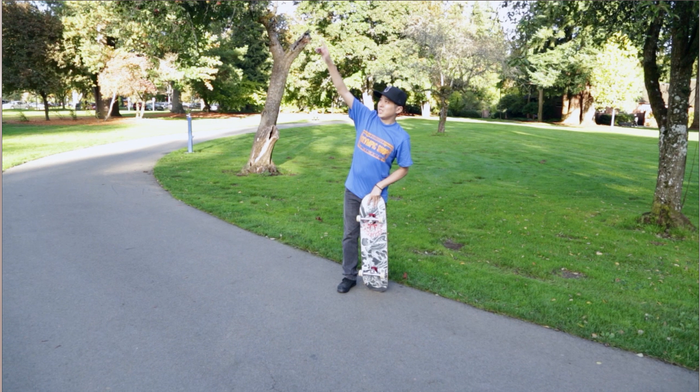
- Raising both hands will tell it to shoot a picture.

- Pointing to the ground will bring it to land.
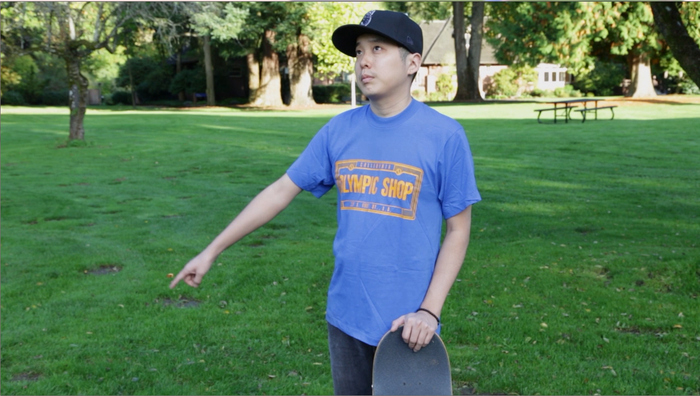
You can redefine the meaning of these gestures, or customize your own gestures in Mind4 app.

The Mind4 has a built-in HD camera, acting as the ‘eye’, which is used to recognize and track subjects of interest. To do aerial shots, you can mount either GoPro, or any other camera on Mind4’s gimbal system as the filming camera.

Some drone products use GPS to do auto following, but it has some obvious disadvantages: 1) You have to carry a smart phone or a GPS signal device when you are in action, which is almost impossible in some sports such as swimming. 2) You might lose your drone when the GPS signal is weak. 3) GPS Inherent error could be up to 20 meters, so the drone’s camera may point to a wrong place, which might make you completely out of the frame!
We use a totally different way to design Mind4. Using cutting edge computer vision technology, Mind4 can recognize, track, and follow you or any other subjects of interest autonomously and accurately, always keeping the object centered in the frame of view. No smartphone or GPS devices are required once Mind4 starts following, and no more worries to lose the GPS signal. The drone can always recognize and follow you through its camera.